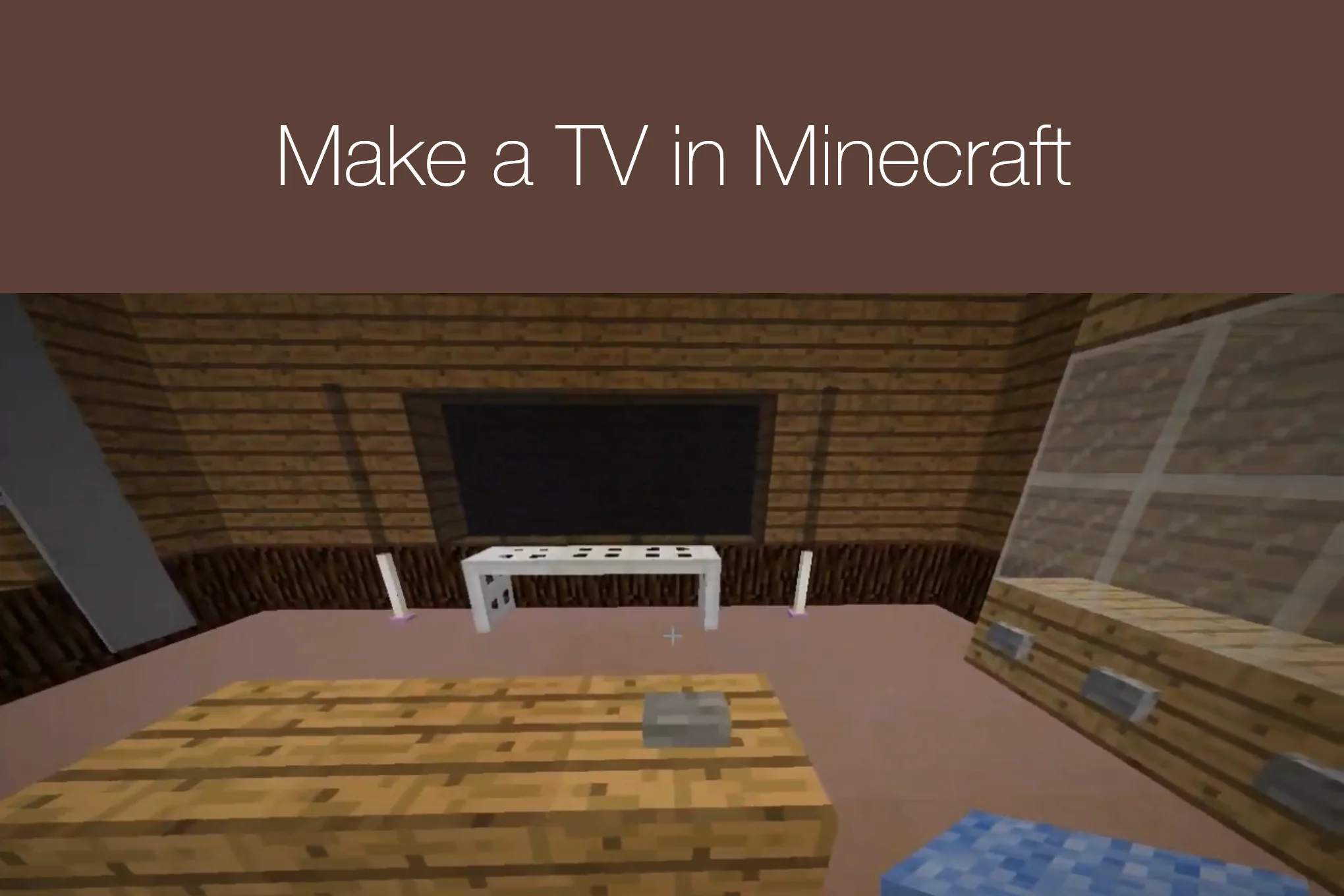
A TV is for entertainment purpose in real life but payers can enjoy playing different channels on virtual TV as well by adding it in your Minecraft house. learn making a TV in Minecraft and place it on a wall as a decorative piece or it can be functional to watch your favirite TV shows.
Easy Guide on How to Make a TV in Minecraft
Minecraft free lets players turn simple blocks into creative homes, furniture, and decorations. If you want to make your house feel more modern, adding a television is a great idea. A Minecraft TV can become the main decoration in your living room and can be built with easy-to-find materials. It does not need complicated commands or special mods, so almost any player can try it.
Learning How to Make a TV in Minecraft is mostly about choosing the right blocks and arranging them in a realistic shape. You can make a small screen for a simple house or build a large entertainment system for a modern mansion. The design can also be changed to match your room, furniture, and favorite Minecraft blocks. Also learn How to Make a Swimming Pool in Minecraft.
Start With the Right Place and Materials
Before you begin building, choose a suitable wall for your Minecraft TV. A flat wall is the easiest place because you can attach the screen directly to it. A living room wall usually works well, but you can also put the TV in a bedroom, office, or underground base. Leave enough space around the television if you want to add shelves, speakers, a cabinet, or other decorations later.
Build the TV Wall
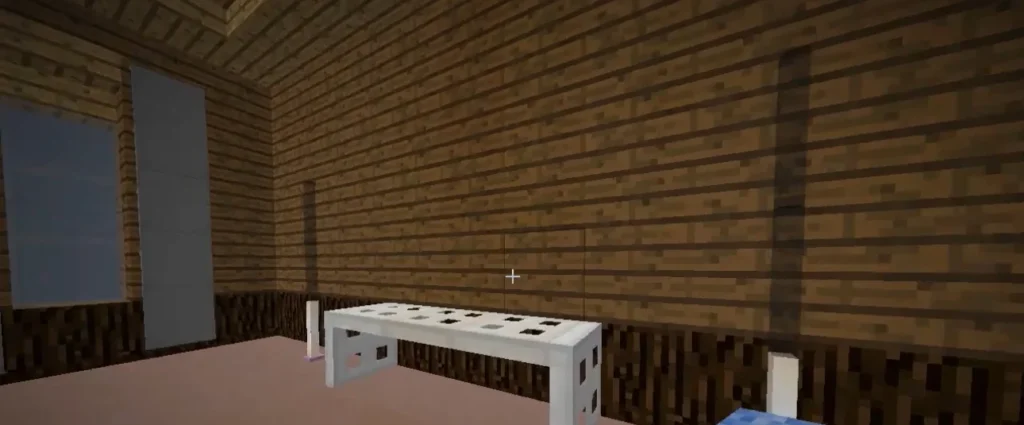
Choose a suitable spot for your television and make a solid wall there. Build the wall at least four blocks wide and four blocks high so you have enough space for the TV setup. Once the wall is ready, you can start making the screen in the center.
Create the TV Opening
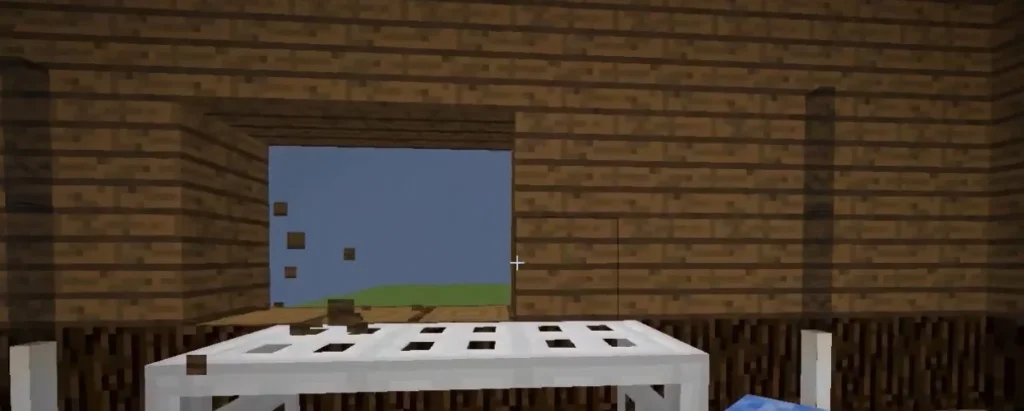
First, make a small opening in the wall for your television. The space should be two blocks wide and one block tall. Choose a wall where the TV will look natural and make sure there is enough room around it for later decorations.
Place the Pistons
Put two pistons next to each other inside the opening. The front side of both pistons should face toward the room. These pistons will hold the painting and help create the main structure behind your TV screen.
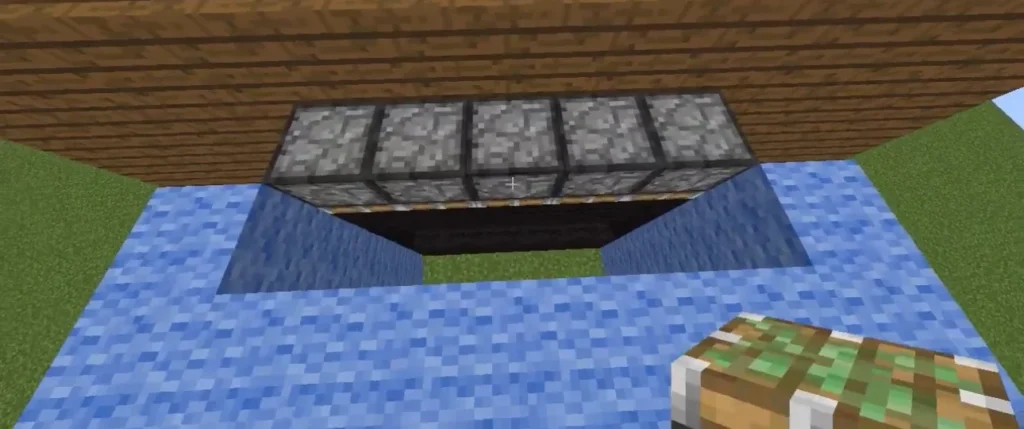
Add Redstone Repeaters
Go behind the wall so you can see the back of the pistons. Place one redstone repeater one block below and one block behind each piston. If your TV is higher than the ground, first make a small platform so you have enough space to install the repeaters.
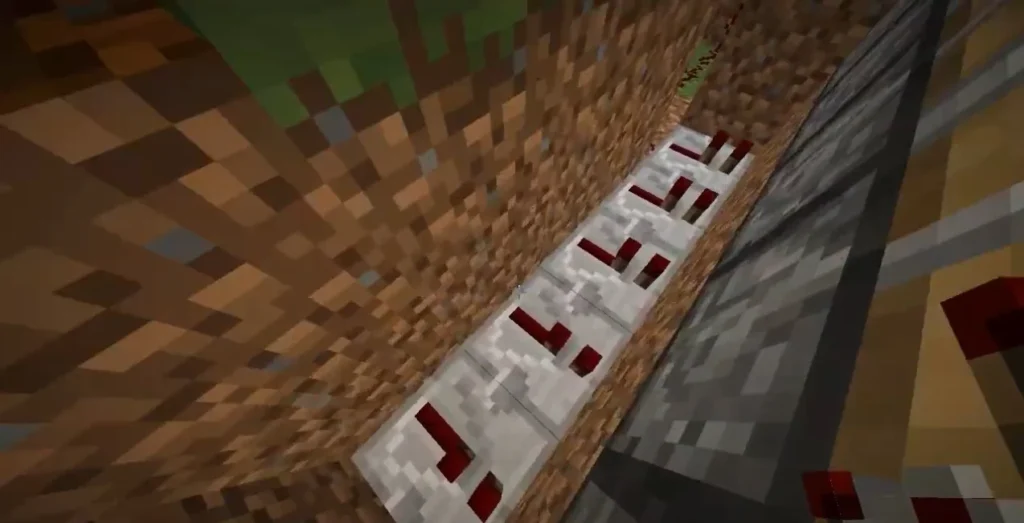
Power the Pistons
Place a redstone torch directly behind each repeater. The torches will activate the redstone repeaters and power the pistons. When the system works correctly, you should hear the pistons activate as the redstone torches are placed.
Install the Backlights
Place one redstone lamp behind each piston. These lamps act as the TV’s backlight and give the screen a brighter effect. Make sure each lamp is directly behind its piston so the light can shine through the piston and improve the appearance of the screen.
Add the Painting
Return to the front of the wall and select a painting from your inventory. Place it on the left piston. The painting should cover both pistons, creating a flat picture that works as your Minecraft TV screen.
Change the Screen Image
If you do not like the picture that appears, simply break the painting and place it again. Minecraft will select another painting, so you can repeat this until you find an image you like for your TV.